
Release date:
Minimum OS required:
Windows 10

Universal Windows ASIO Driver
Release date:
Minimum OS required:
Windows 10

comment telecharger asio4all

My iRig HD2 is finally ‘usable’ on my Snapdragon-based Surface Pro. The sound isn’t 100% there. I’m using 44100 Hz with a sample rate of 432 and the delay isn’t too bad. It’s still dropping packets so the crackling / static isn’t completely gone but its so much better than it was before. Thank you.

Gracias

I noticed improvement in sound quality, but cpu uses is very high compared to v16 !

Thank Microsoft for degrading the mmtimer API! Not a big deal, actually, since this is due to the audio processing thread spending its excess time calling Sleep(0) in a loop, instead of going idle for e.g. 2ms, which is no longer possible in Windows. Leading to higher CPU usage on paper.

j’aime bien

🙂
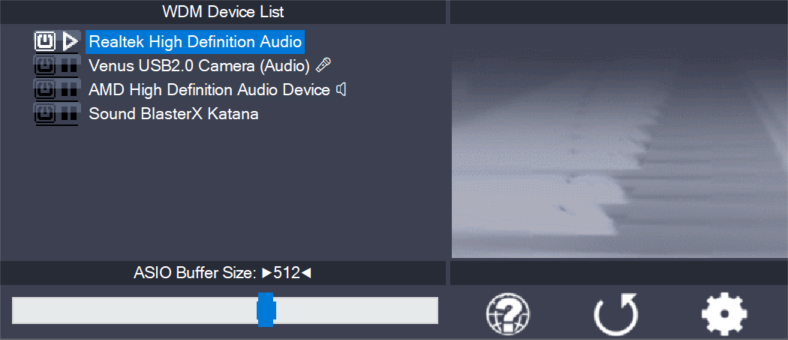
Setting up your audio software In order to make use of ASIO4ALL, you need to configure your audio software accordingly. How you would do this depends on your particular software application. Generally, you would always enter the audio configuration menu and select ASIO -> ASIO4ALL v2. There now should be a button to launch the
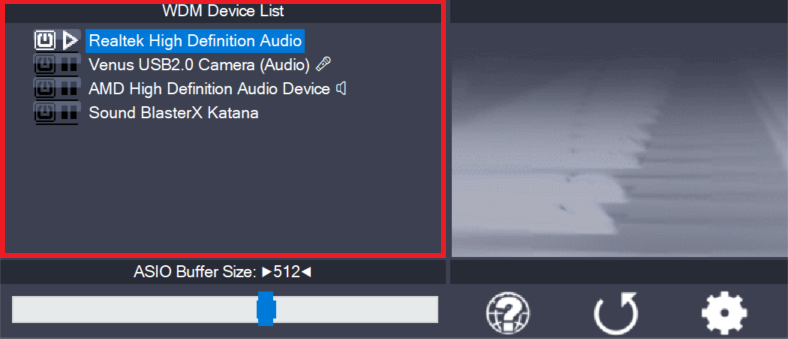
This is the list of audio devices found in your system. Highlight the device that you want to make changes to. Note: All parameter changes always only apply to the device currently highlighted! Activate the device you want to use by clicking on the button next to the device name! In the picture above, the
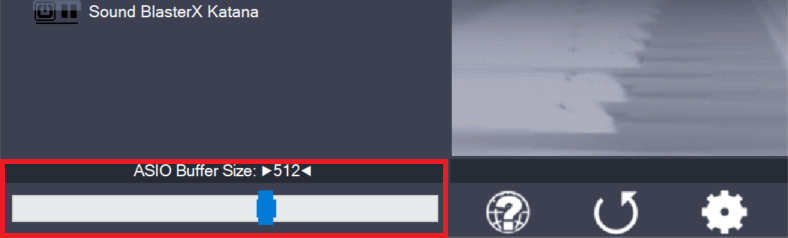
Use the slider to adjust the ASIO buffer size for the device currently highlighted. Smaller buffer size means lower latency. Once you hear crackles or audio becomes distorted, you need to increase the buffer size. ASIO buffer size directly relates to audio latency. Thus, you want to get a rather small value here. You may
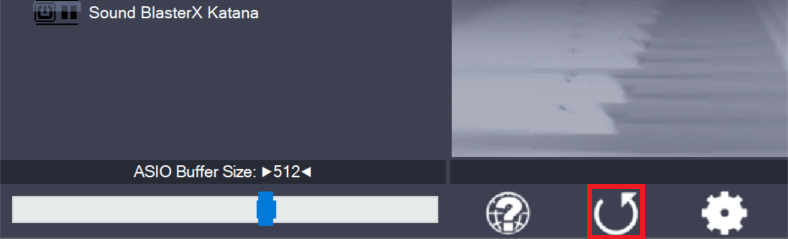
Pressing this button will reset all configuration options to their initial defaults. Use when audio initially worked and you later got lost in the configuration process. Also, if you updated your ASIO4ALL to a new version, this option will load the settings recommended by the new version.
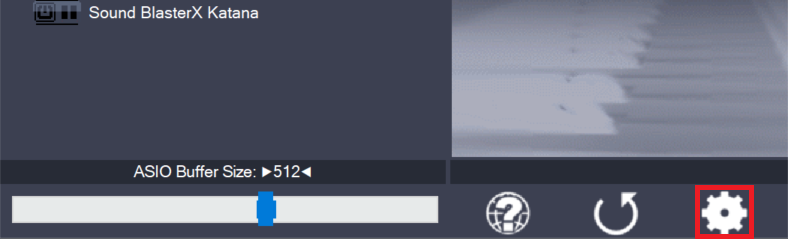
Switches the control panel into “advanced” mode, where you can fix things or completely mess them up at your disposal. “Advanced” mode is explained in the “Advanced Configuration” section of this document.
Leave a Reply to admin Cancel reply