

ASIO4ALL Official Home
Universal Windows ASIO Driver
-
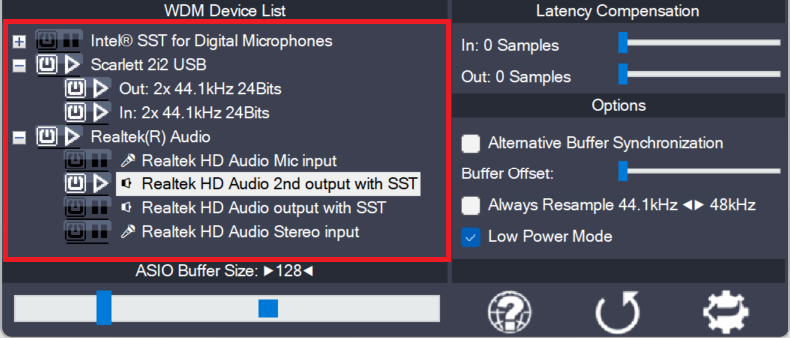
Device aggregation
Using the button next to each entry, you can now selectively enable/disable each particular item in the device list. This way, you can also create multi-device-setups (“aggregate devices”). Multi-device-setups require that all the devices involved are running from the same clock source. You can achieve this by daisy-chaining devices via S/PDIF etc. On-board devices usually
-
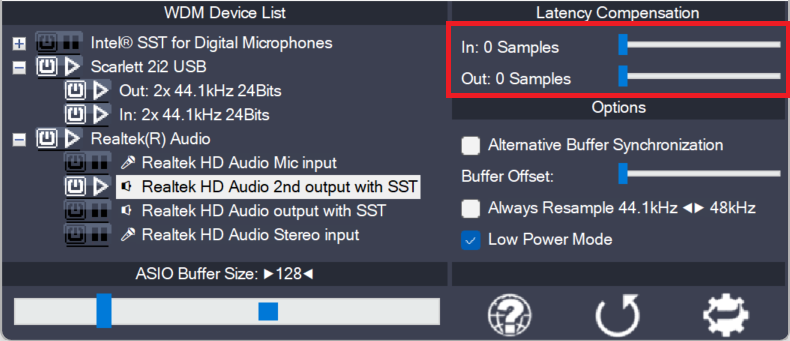
Latency Compensation
Since ASIO4ALL does not have sufficient knowledge of the underlying hardware/driver architecture, it can only guess the actual latencies involved. With these sliders you can compensate for the latencies unknown to ASIO4ALL such that recordings in your sequencer Software are properly aligned with the rest. Note: In multi-device-setups the largest respective value of all devices
-
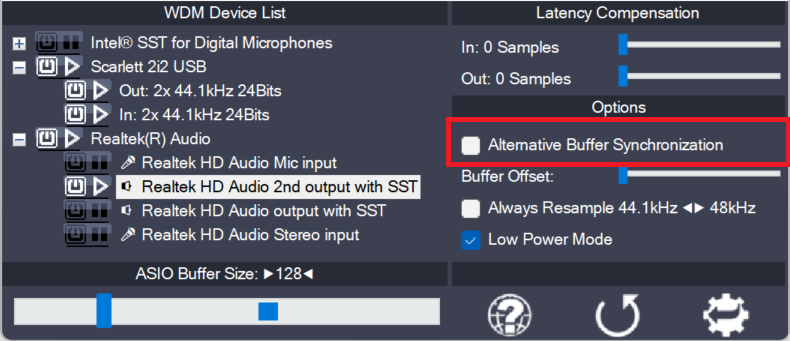
Alternative Buffer Synchronization
The WaveRt driver ecosystem has evolved beyond the fomer distinction between just “Pull Mode” and “Polling”. It has become a little more complex. ASIO4ALL always aims to use the buffering algorithm most suitable for any particular device. This option lets you override the automed pick and select an alternative buffering scheme, where available. Use this