
Release date:
Minimum OS required:
Windows 10

Universal Windows ASIO Driver
Release date:
Minimum OS required:
Windows 10

comment telecharger asio4all

My iRig HD2 is finally ‘usable’ on my Snapdragon-based Surface Pro. The sound isn’t 100% there. I’m using 44100 Hz with a sample rate of 432 and the delay isn’t too bad. It’s still dropping packets so the crackling / static isn’t completely gone but its so much better than it was before. Thank you.

Gracias

I noticed improvement in sound quality, but cpu uses is very high compared to v16 !

Thank Microsoft for degrading the mmtimer API! Not a big deal, actually, since this is due to the audio processing thread spending its excess time calling Sleep(0) in a loop, instead of going idle for e.g. 2ms, which is no longer possible in Windows. Leading to higher CPU usage on paper.

j’aime bien

🙂
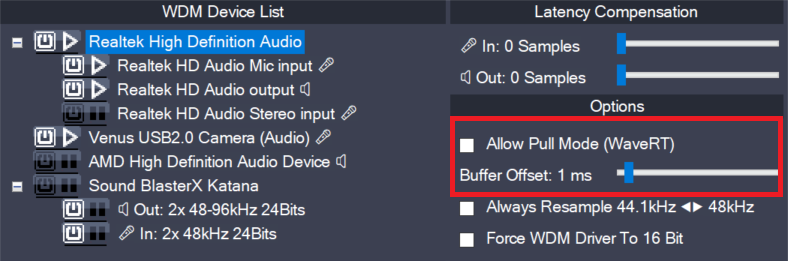
Note: These controls have no effect for WaveRT packet devices. Packet devices do not support polling – and always will use event mode. Therefore, the entire “Options” section may be hidden for packet devices. This is not a bug! There are two basic access methods for a WaveRT device, “pull-mode” (also called “event-mode”) and “push-mode”
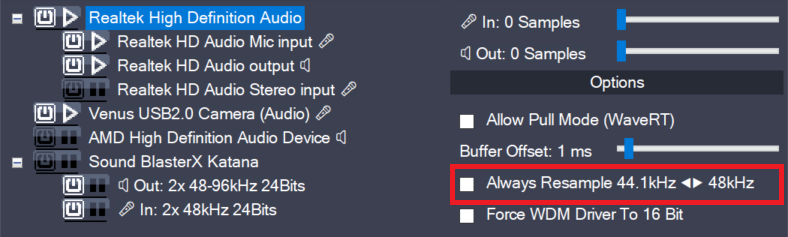
ASIO4ALL can do real time resampling of 44.1 kHz audio to/from 48 kHz. Resampling will automatically take place whenever ASIO4ALL is opened for 44.1 kHz and the WDM driver does not support this sample rate. There may, however, be instances in which case an audio device will support 44.1 kHz only by resampling internally. More
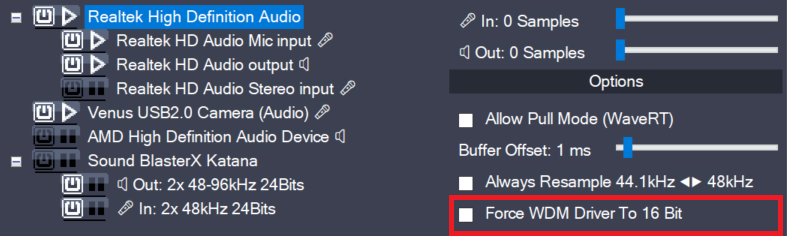
This option only has an effect if the supported bit depth of the WDM driver is larger than 16, but less than 24. Some devices report e.g. 20 Bits resolution but cannot actually be opened for more than 16 Bits resolution. Should this be the case on your system, this option provides a workaround. Originally,
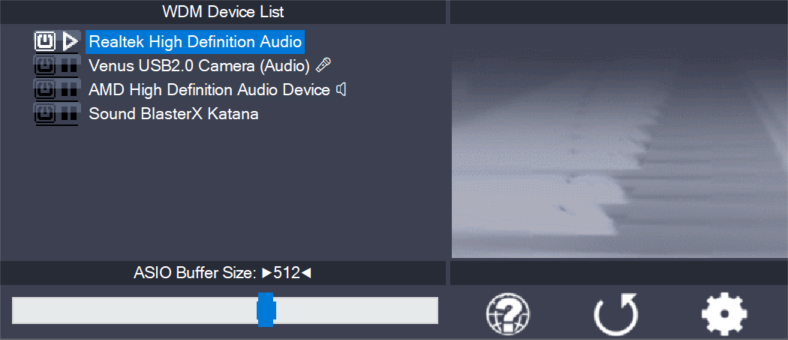
Becaue it all depends…
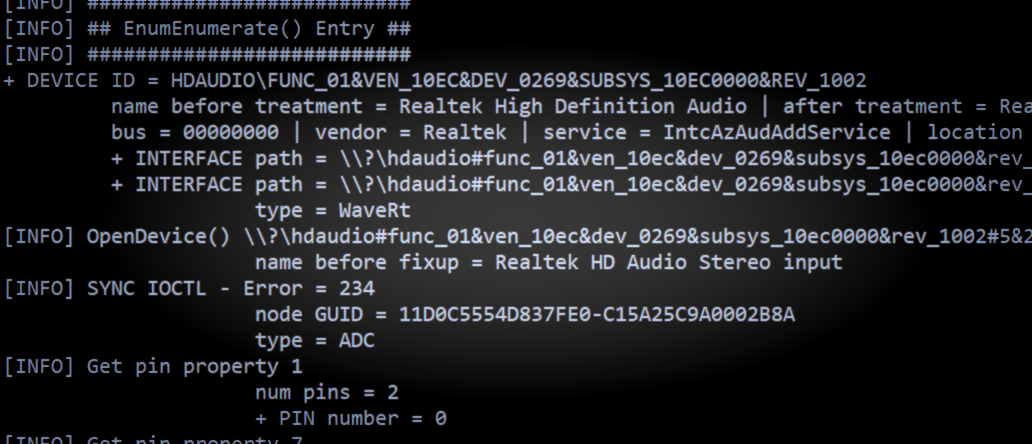
More potential problems and possible solutions:
Leave a Reply to 2manygadgets Cancel reply